
A practical way to share the whole idea
Combine screenshots on Mac without losing the story.
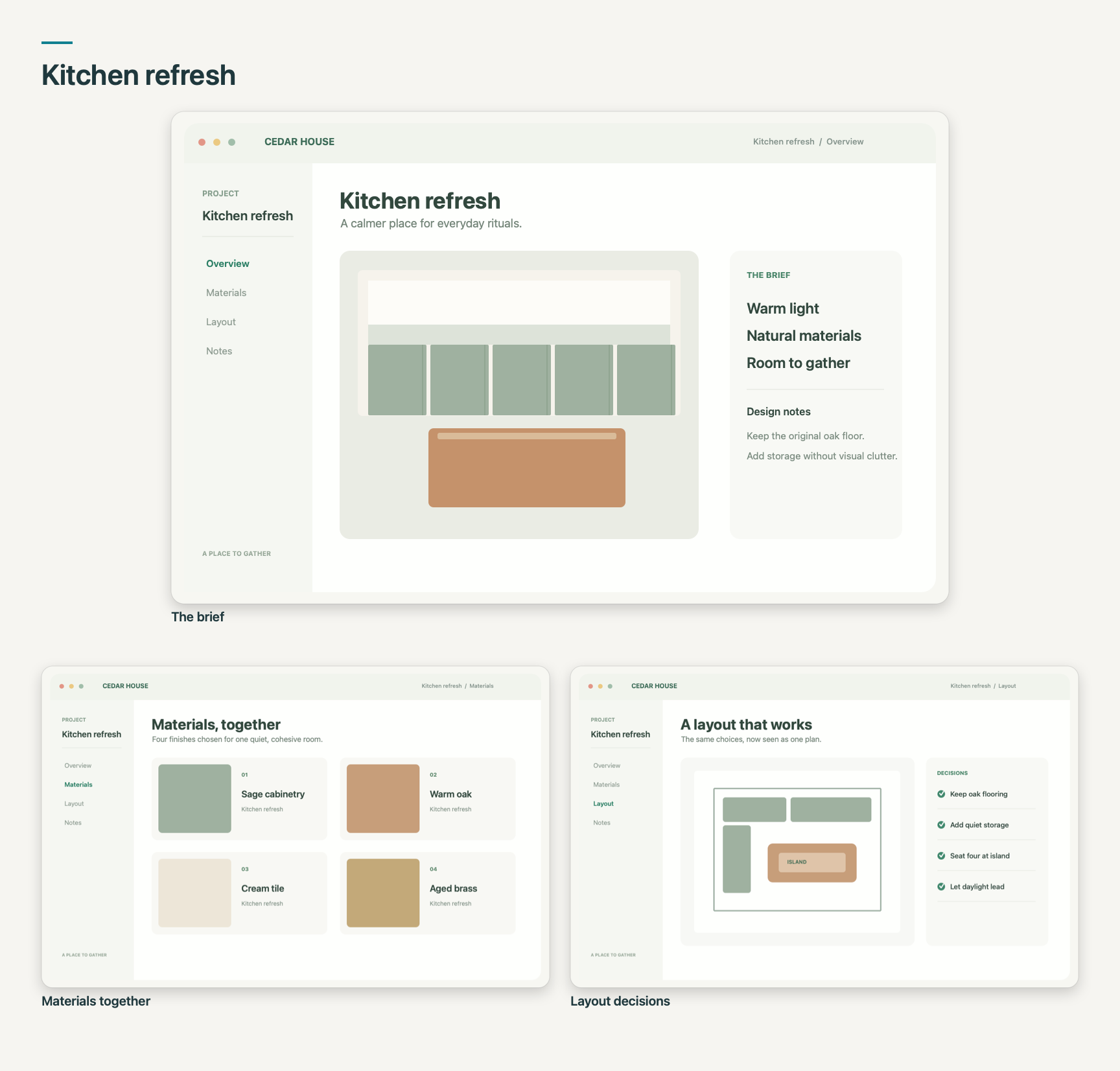
A design review, bug report, or project handoff rarely fits in one screenshot. SnapTrellis lets you keep the related captures in a named Vine, then share the group as one image.
How it works
- Name the work. Create a Vine for your project or task, such as “Kitchen refresh” or “Website review.”
- Collect the related screenshots. Select the Vine and use Paste Screenshot for images you’ve copied to your clipboard, or choose it under Capture into so new captures land there.
- Make one image. Open the Vine, arrange its captures, then use Copy Vine, Save As, or Share Merged Image to send the composition.
Keep the context with the screenshots
The name says what the group is about. The order shows how the pieces relate. The finished image carries that context into a message, document, or review without rebuilding a slide or collage.
Before sharing, check the finished image for private details. Read how SnapTrellis handles privacy.
Get SnapTrellis on the Mac App Store
$19.99 once · macOS 14 or later · U.S. App Store